
Your download is both the trial and the full version of ImgLook. If you have purchased a license, enter your registration information to unlock the limited features.
Your download should begin in a few seconds. If it doesn't, click here.
(md5: 21b2430b8f77b433f3aa7f31d4c62b0a)
Few quick steps for getting started:
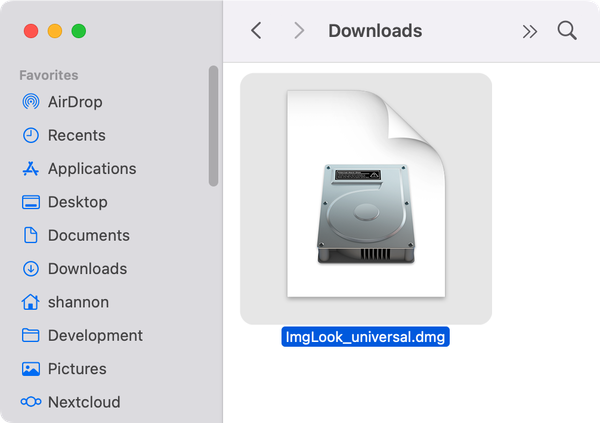
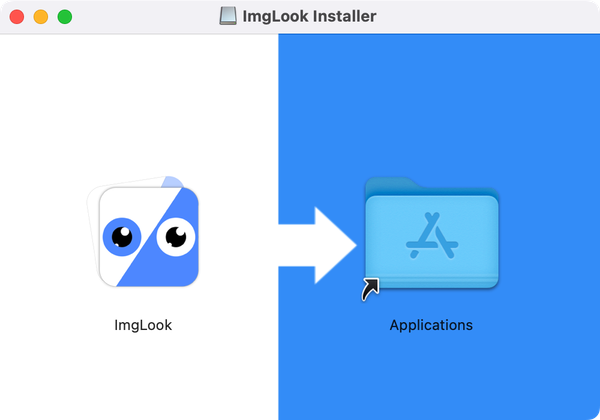
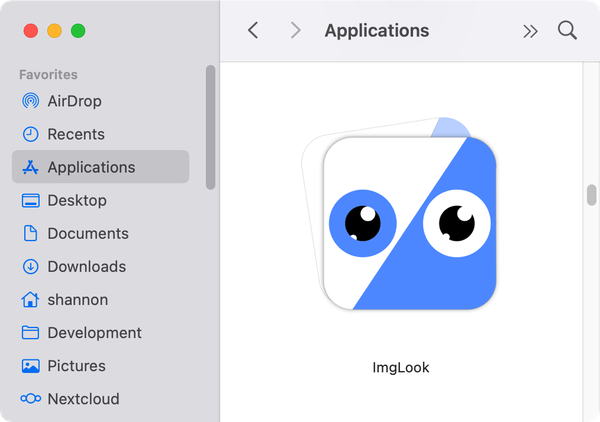
iPod, iPhone, iPad, iTunes, and Mac are registered trademarks of Apple, Inc. iMacTools has no commercial association with Apple, Inc. or its products. Copying of music is subject to any applicable.

 iMacTools