Your download should begin in a few seconds. If it doesn't, click here.
(md5: 6c56eda8f670b16b12c351ace56227e9)
Few quick steps for getting started:
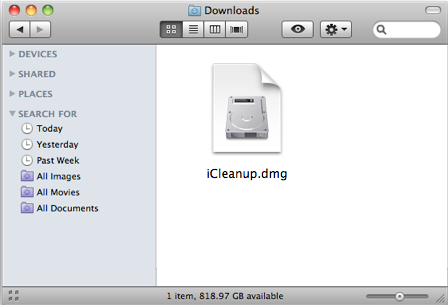
Wait for your downloading to complete.
Double click on the downloaded .zip file if it does not open automatically.
Drag the icon for "iCleanup" on the left over to "Applications" on the right, and drop to finish installation.
Then double-click to launch iCleanup from your Applications folder.
If you have already purchased iCleanup, it's a good time to enter your registration code by choosing "Register..." from iCleanup.
Enter the license code from us exactly as they appear in the email you received(recommend copy and paste).
iPod, iPhone, iPad, iTunes, and Mac are registered trademarks of Apple, Inc. iMacTools has no commercial association with Apple, Inc. or its products. Copying of music is subject to any applicable.